One clear overview
Sales, net profit, cash and how long it lasts, compared with last month. Business health says if all is well, and the three most useful moves for this week sit right beside it.
For makers, online shops and small businesses in Canada
Sales, profit, cash, stock and sales tax in one place. Bring in your shop's sales reports and see what to do next. It runs on your own computer, so your numbers stay with you.
Windows 10 and 11, or any modern browser · English and Français · Pay once

What it does
Sales, net profit, cash and how long it lasts, compared with last month. Business health says if all is well, and the three most useful moves for this week sit right beside it.
Import order reports from Etsy, Shopify, Amazon, WooCommerce and Square, or any CSV. Fees, refunds and sales tax are sorted out, duplicates are skipped and an import can be undone.
See which products and channels really make money after costs and platform fees, and where your margins are slipping.
Money in and out, unpaid invoices, bills that are due, and an estimate of the sales tax you collected for your province.
Know what is about to run out and how much to reorder, spot slow-moving stock, and keep track of what you make and waste.
Set monthly goals, see where the month is heading, find your break-even point and try a change, like a price rise, before you make it.
Take a look
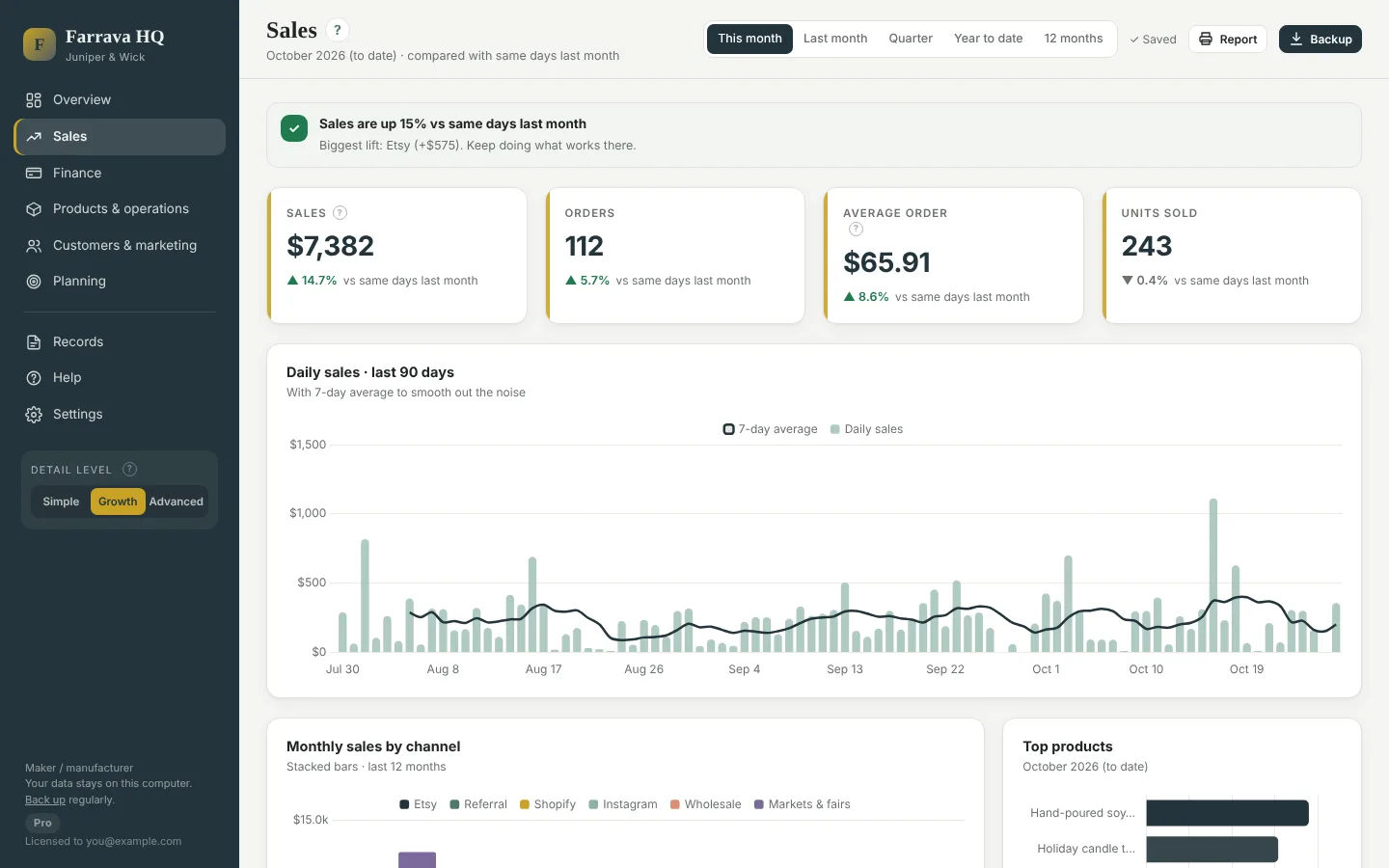
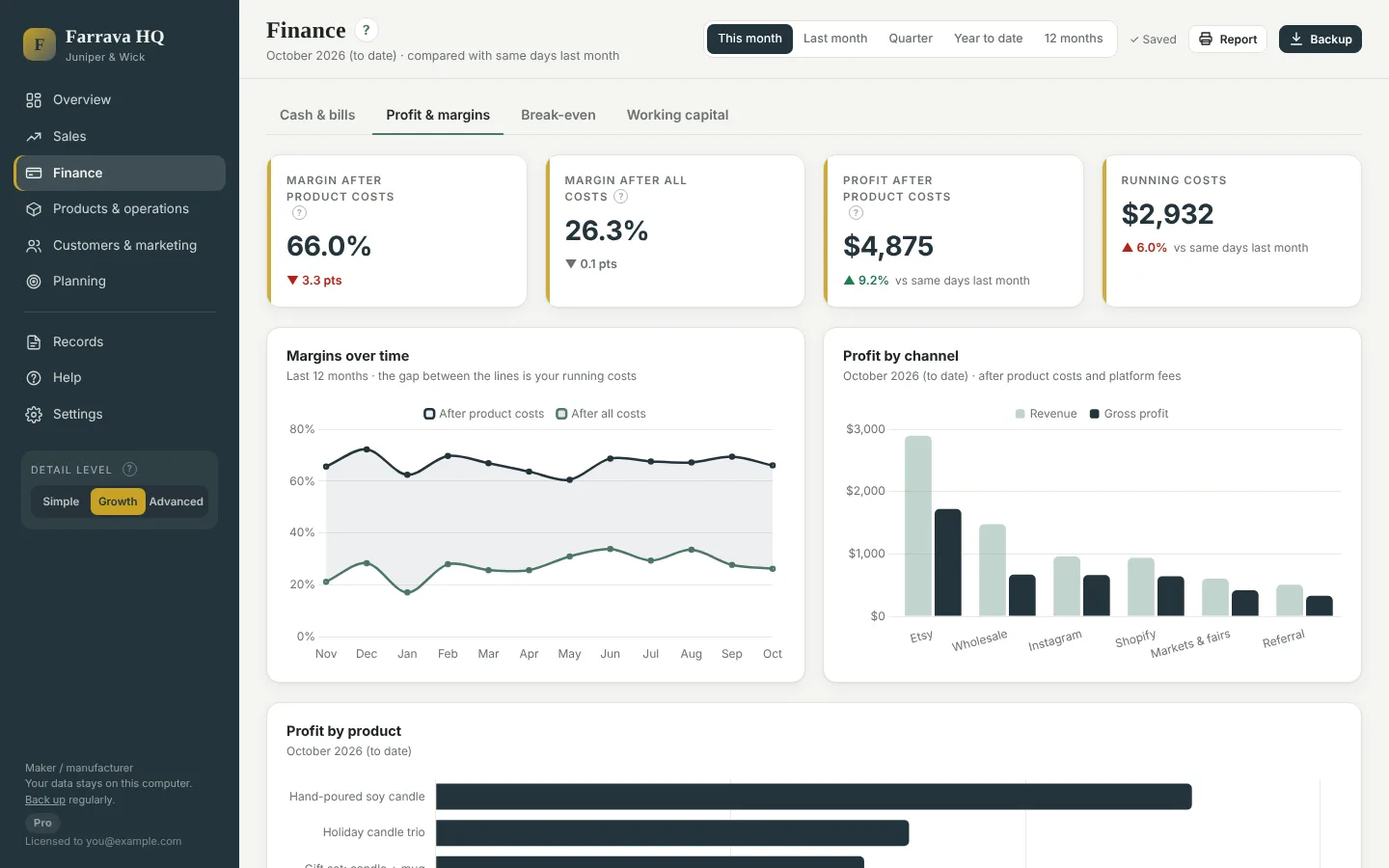
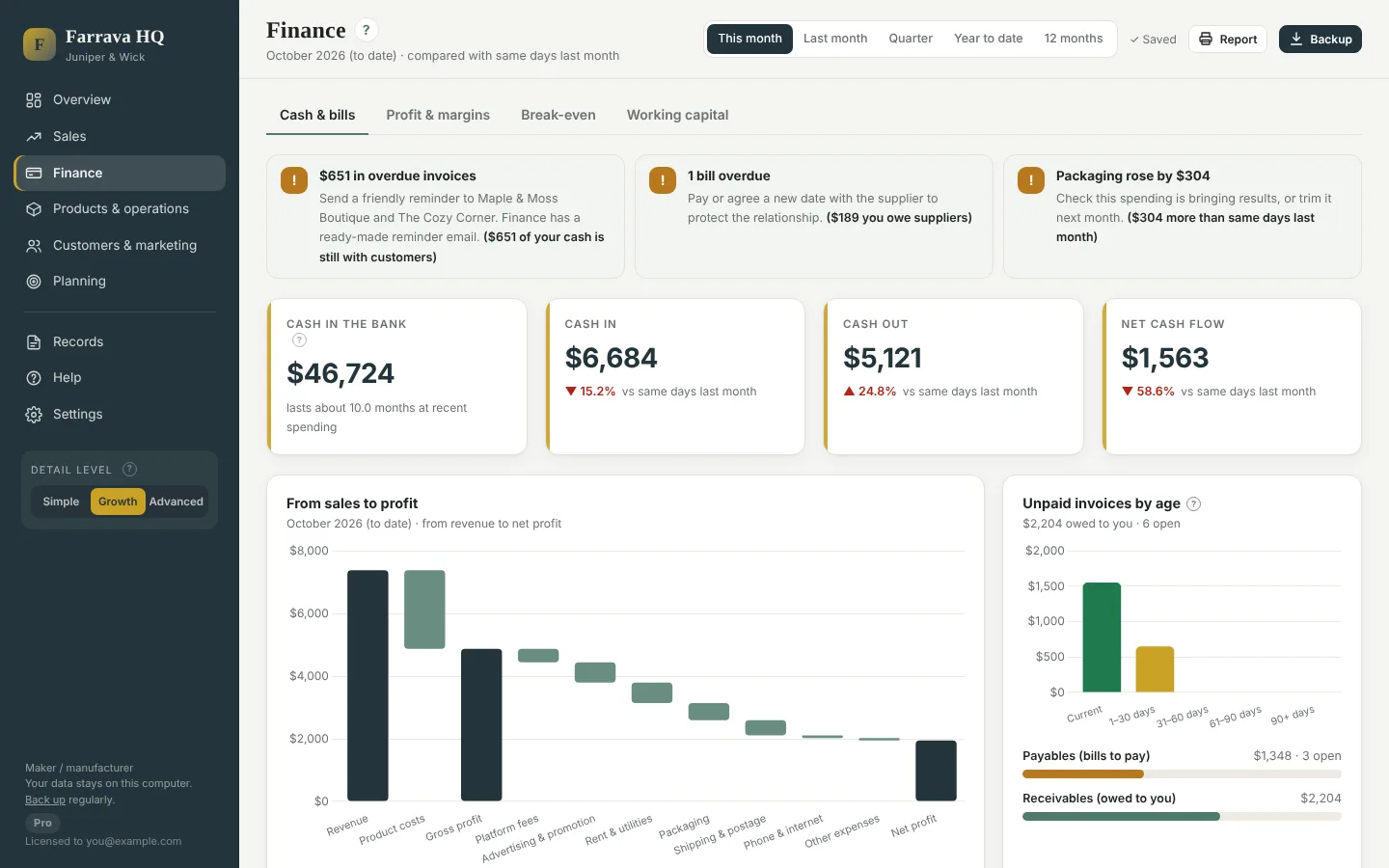
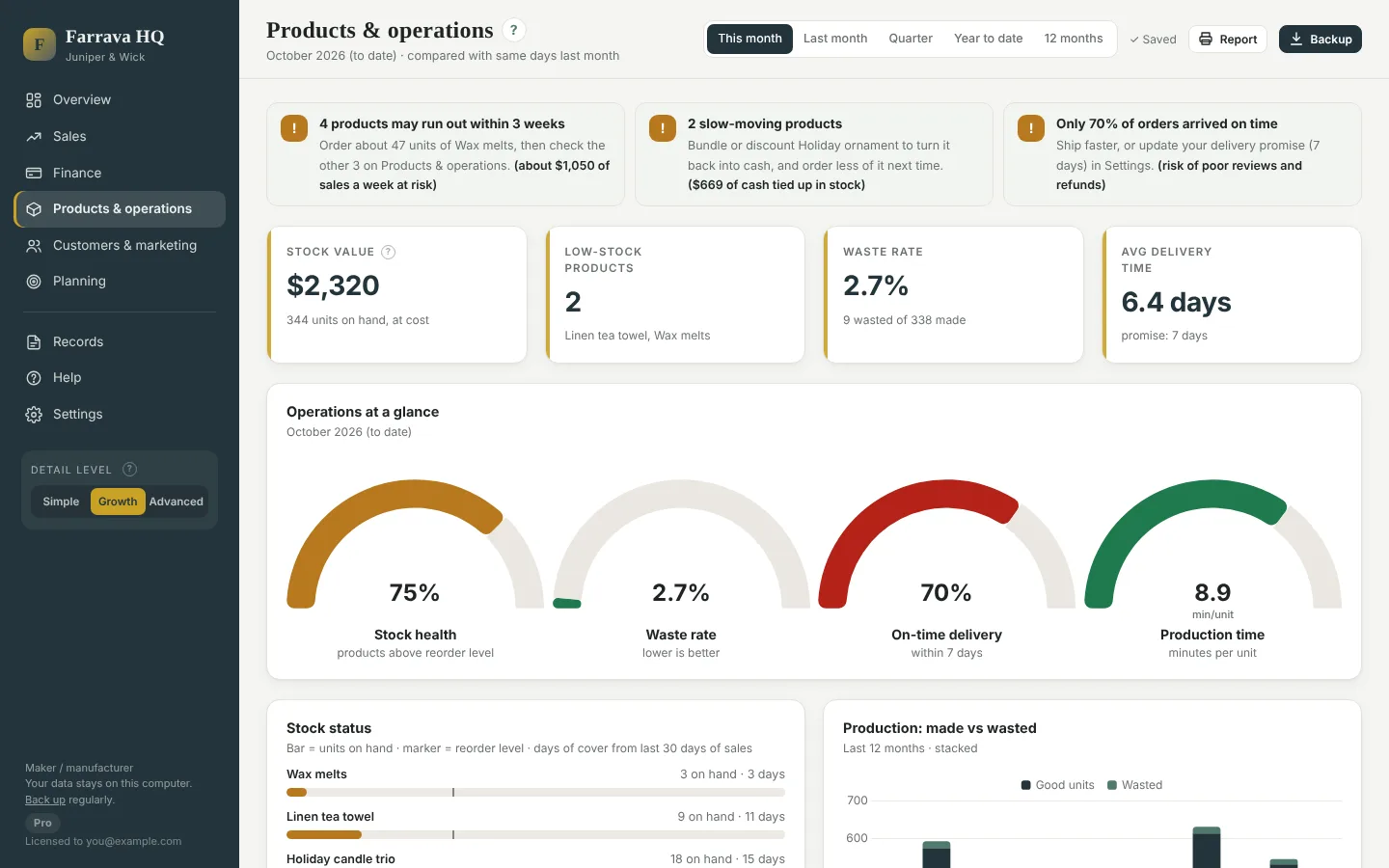
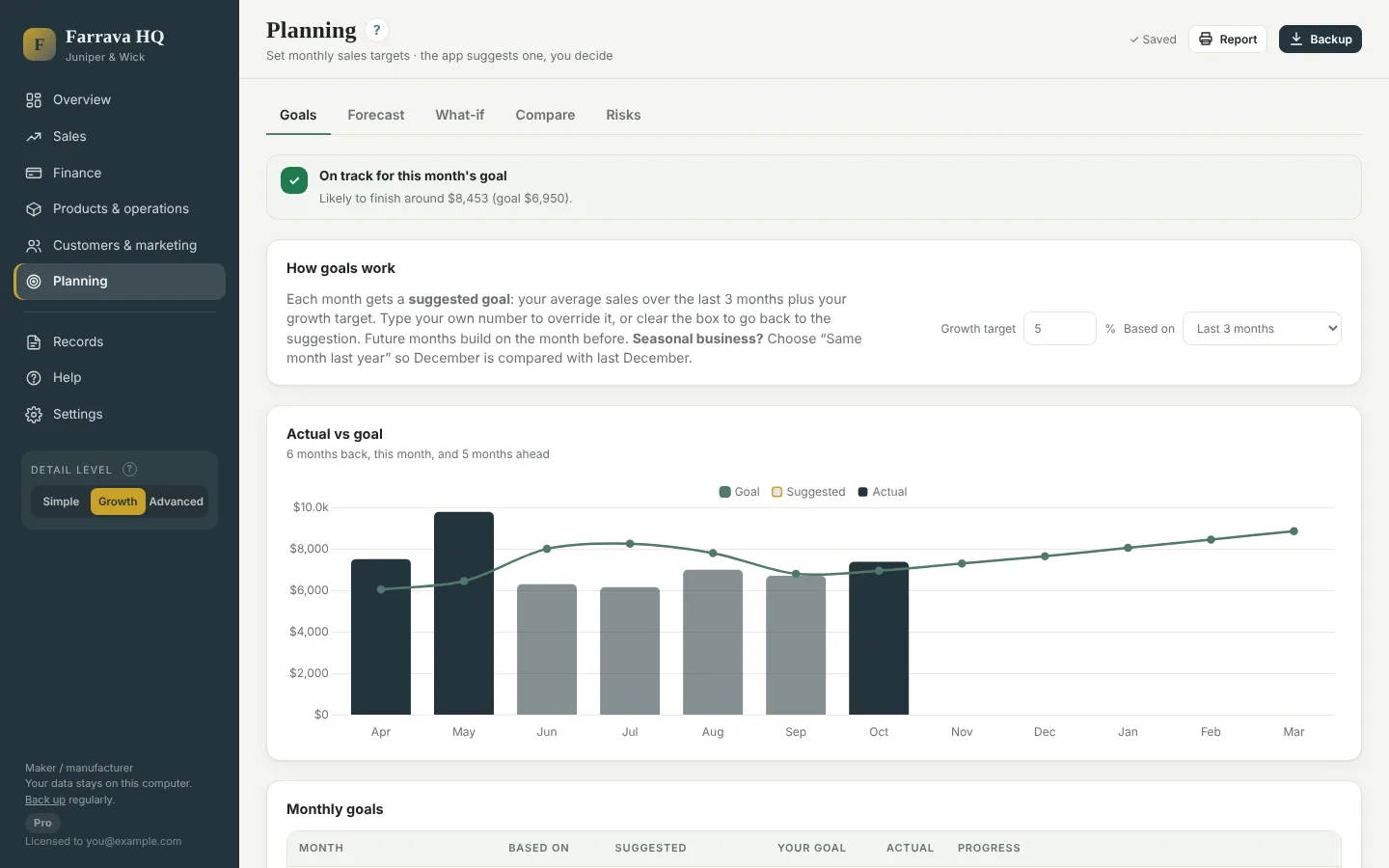
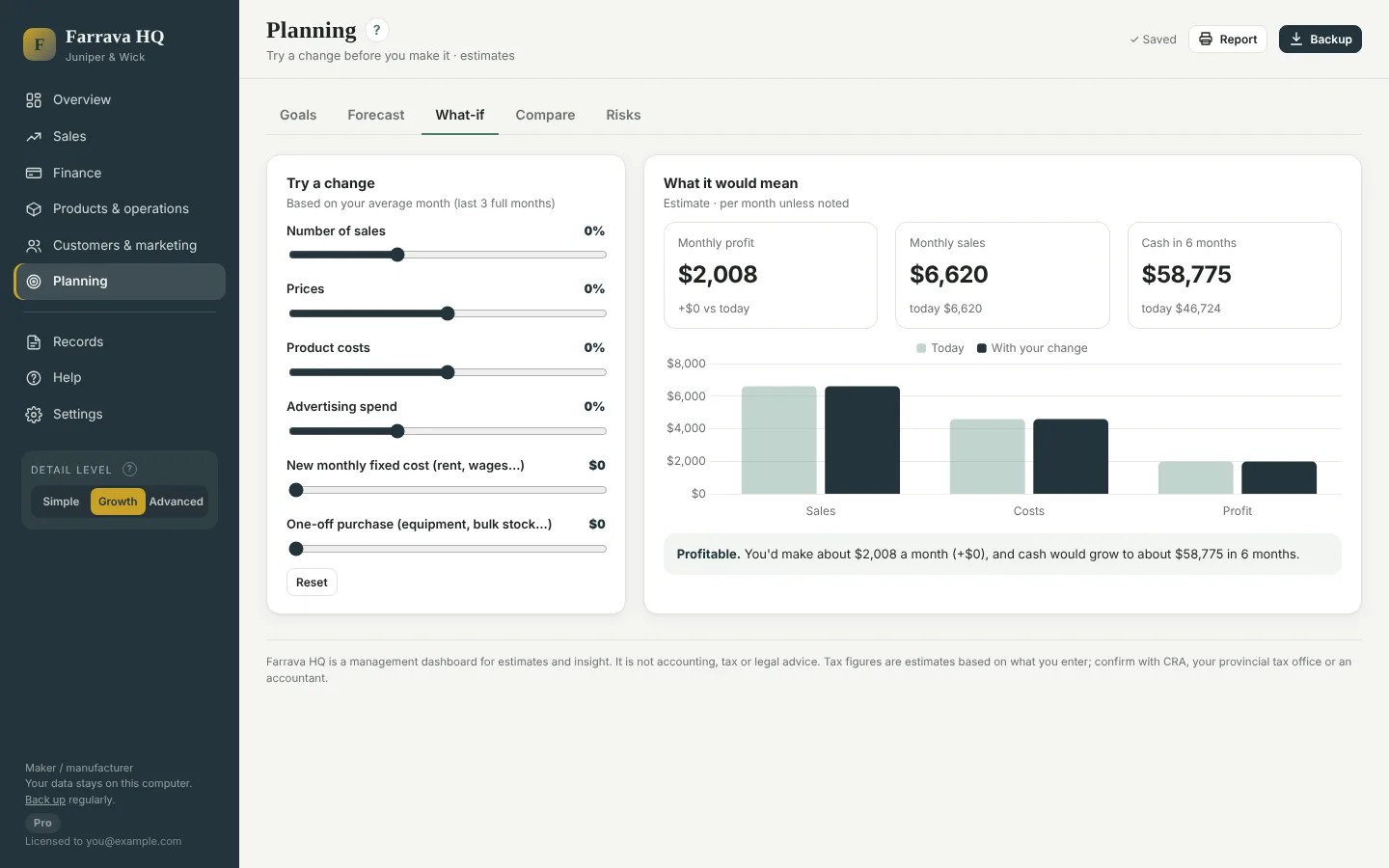
Pictures show a sample shop with made-up numbers.
Who it's for
Getting started
Unzip, double-click and enter the licence key from your order email. Or explore first with sample data.
Add what you sell with its cost, then import your shop's sales report or log sales by hand.
Check the overview, follow your next moves, and press Backup to keep a copy safe.
Plans and prices
Prices in Canadian dollars. One business, up to two computers. Sales tax is added at checkout where it applies.
See your business clearly.
CA$39one time
Know what earns money and plan ahead.
CA$79one time
Test decisions before you make them.
CA$129one time
Choose Starter, Growth or Pro on the checkout page. Your licence key is emailed to you, usually within one business day. Not sure which plan fits? Try the free demo: it shows every feature.
The demo comes with a sample business full of orders, so you can click through every page before you buy. It never touches your own data, and no key is needed.
No. Farrava HQ is a management dashboard: it helps you understand and run your business. It does not file taxes or replace your bookkeeper, and its tax figures are estimates.
No. It runs on your own computer and works offline. Your data is saved on that computer, so press Backup regularly and keep the file somewhere safe.
The app is for Windows 10 and 11. A browser version is included for other computers and works in Chrome, Edge or Firefox.
After you buy, your key is emailed to the address you used at checkout, usually within one business day. Activate with that same email.
Yes. Buy the upgrade, enter the new key in Settings › Licence, and everything you have entered stays.
Please try the free demo before you buy: it shows every feature. Because the app is a digital download, purchases are not refundable for change of mind. If Farrava HQ does not run on your computer and we cannot fix it, email support@farrava.com and we will make it right.
Yes. Choose English or Français in the app. A French user guide is included.